
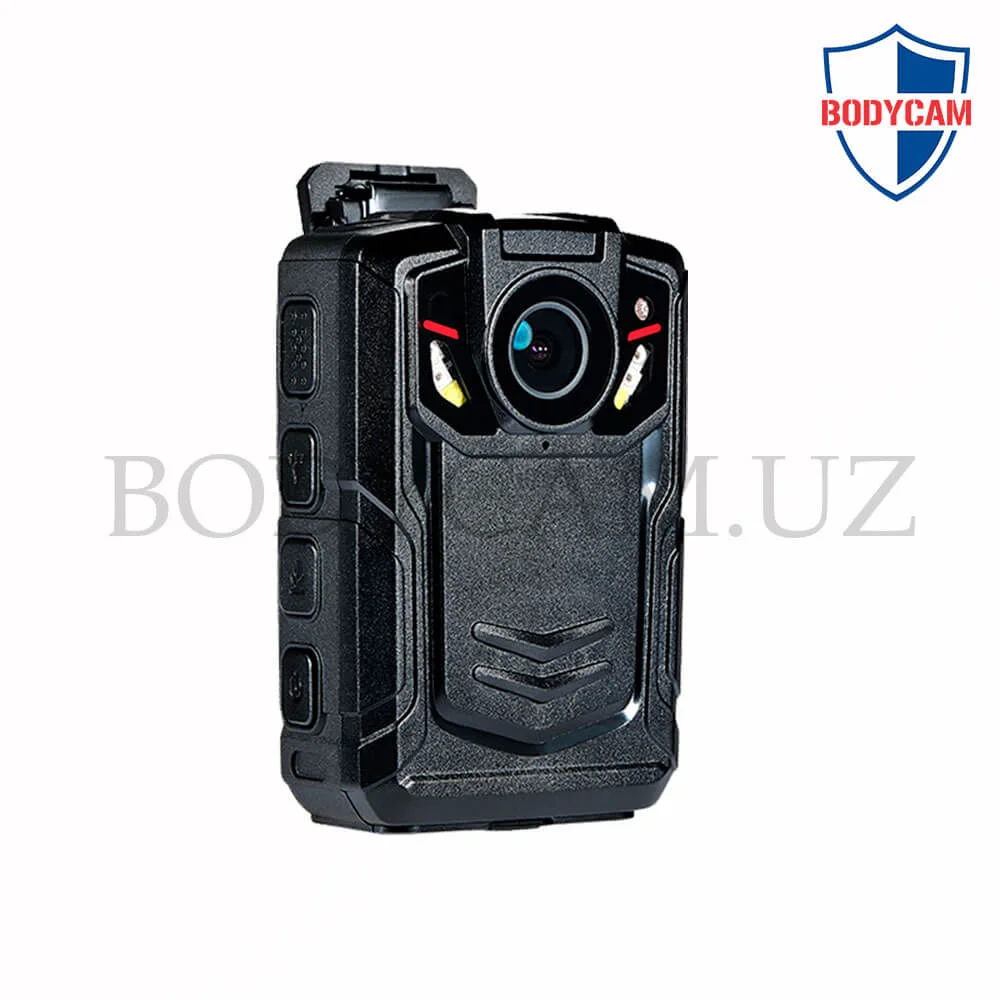
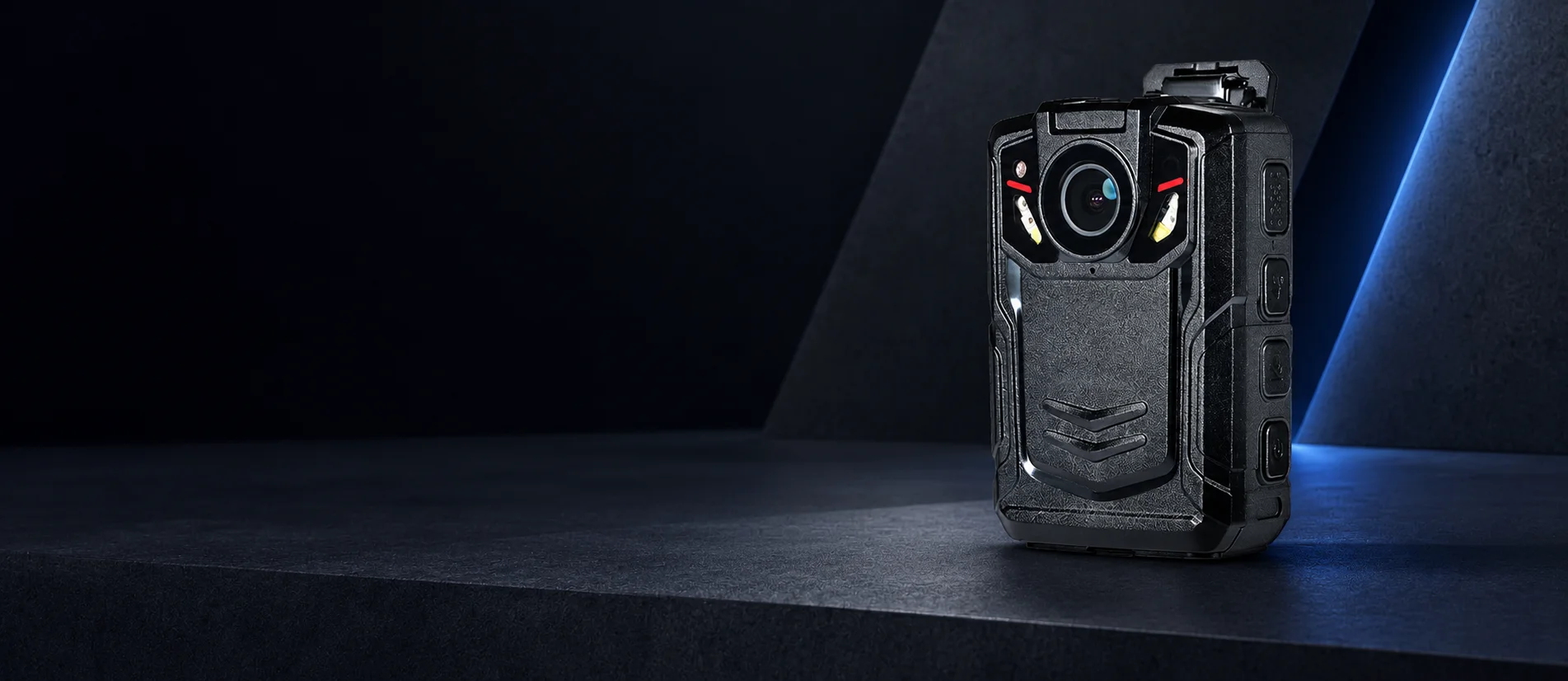
CLOSER TO EVENTS. CLEARER IN EVERY DETAIL.
Confidence.
In every frame.
Body cameras for people whose work
demands reliability. From the first recording
to the last minute of the shift.
We help you choose. Deliver. Set up.
30days
for a free trial
36months
Warranty period
TURNKEY SOLUTION
selection, setup and support
Server with software
Storage on your premises
We provide a complete system for up to 30 days: body cameras, a docking station and a server with software.
The warranty period varies by camera model. See the selected model’s specifications for the exact term.
Catalog
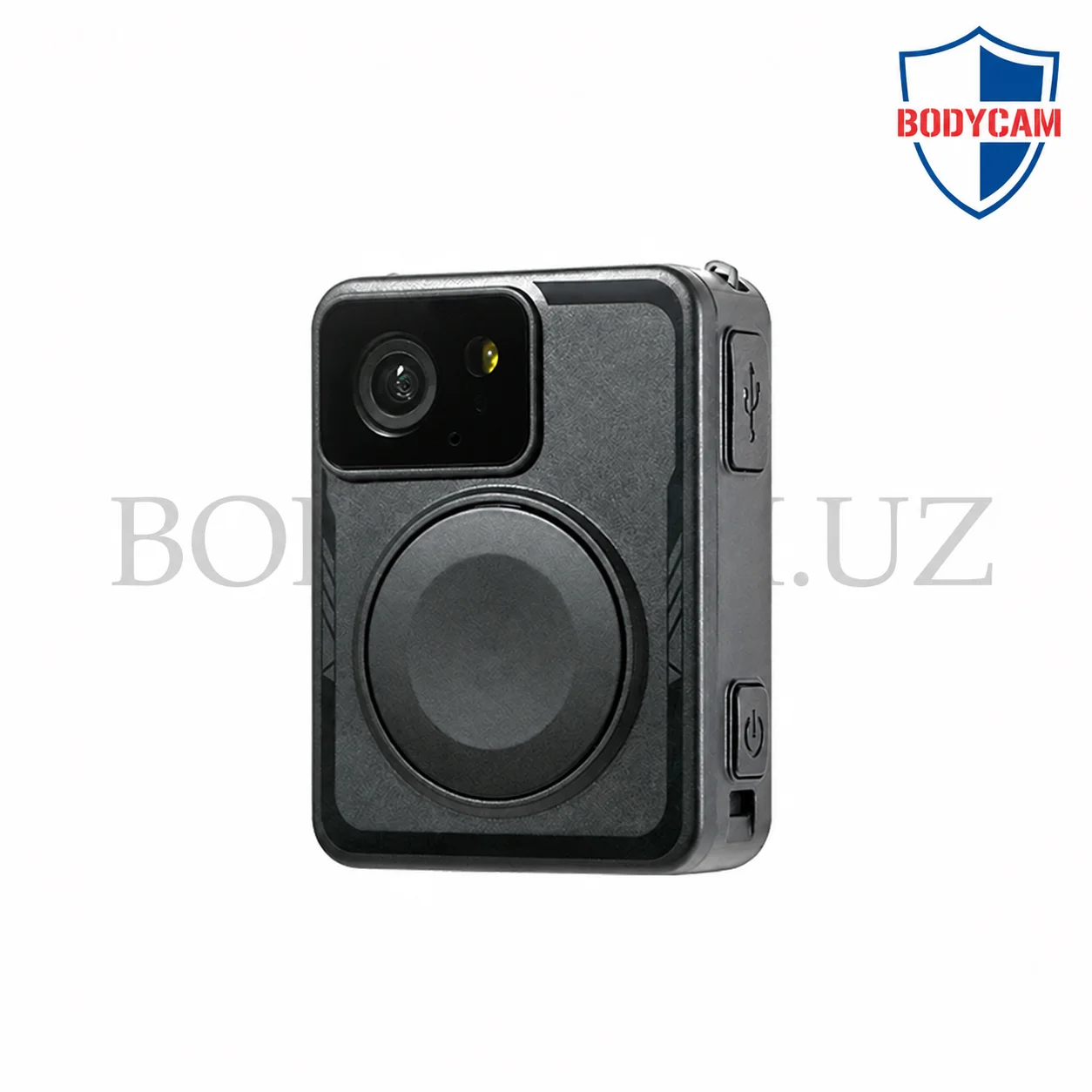
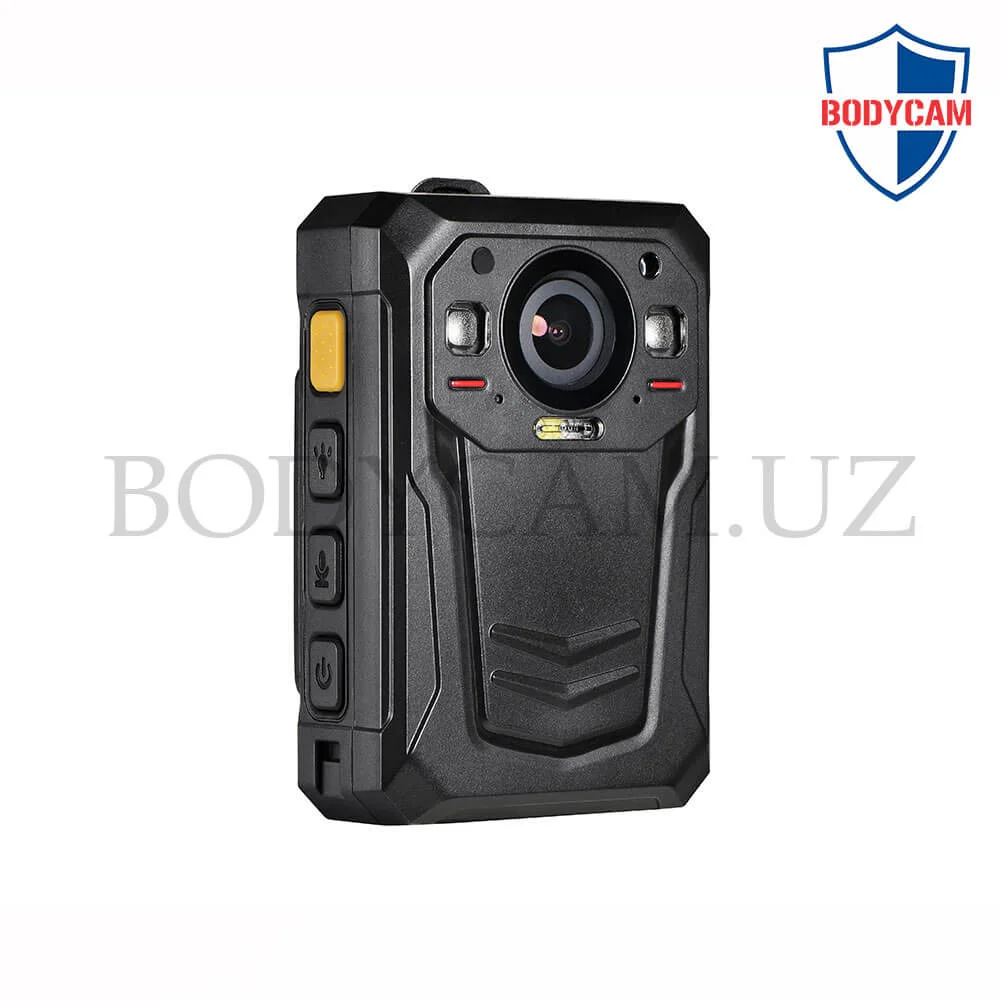
Your task. Your camera.
From a personal recorder
to a system for your entire team.
No matching model found
Try another name or select a different category.
Need help choosing? Let us help you choose
SOLUTIONS FOR EVERY SCENARIO
Everything connected.
Everything under control.
We offer complete solutions for your needs: body cameras, docking stations, servers and software for live monitoring, data storage and management. We select and integrate all components into one system tailored to your requirements.
THE BODYCAM SYSTEM
From a single site to branches nationwide. Choose the setup that suits you.
A shared archive over the Internet
Sites in different cities send recordings to a shared archive. Staff access it using their own accounts.
Site 1
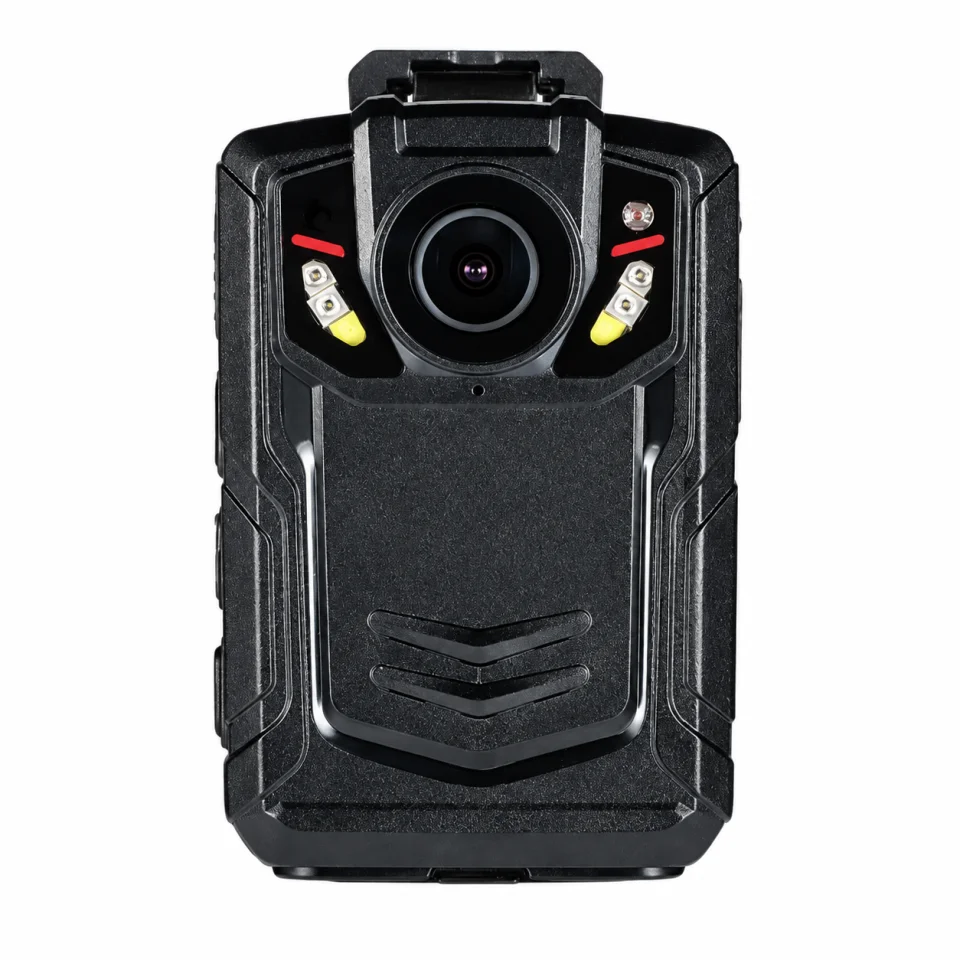 Cameras
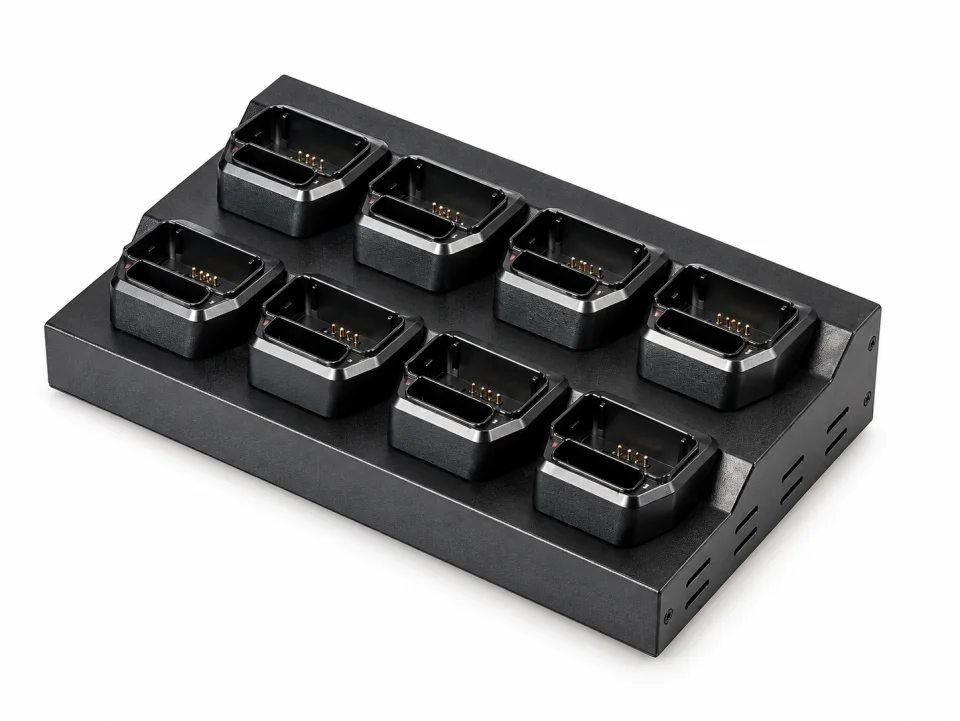 Docking station
Standard Internet connection
Site 2
CamerasDocking stationStandard Internet connection
Site 3
CamerasDocking stationStandard Internet connection
Internet
Recordings transferred
from remote sites
CENTRAL NODE
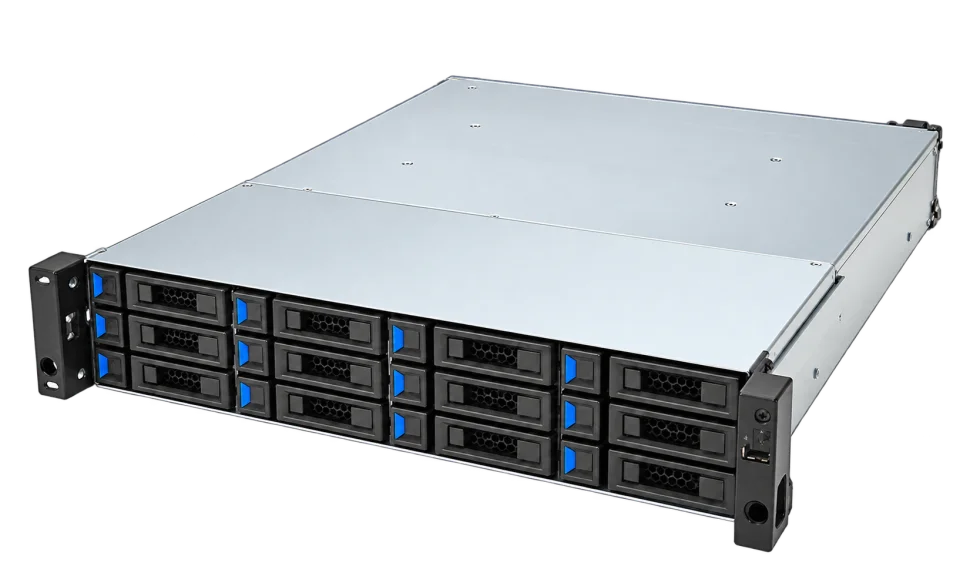
Organization’s NAS server
Receiving, storing and managing recordings
Public static IPRequired only at the central node
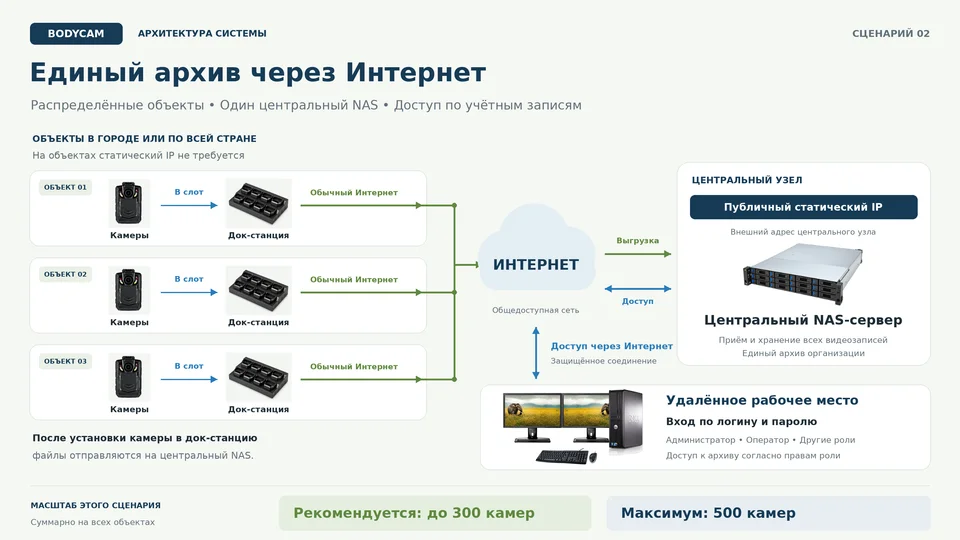
ACCESS AND MANAGEMENT
Remote workstation
Sign in with a username and password. View and work with the archive according to assigned permissions.
AdministratorOperatorOther roles
Once cameras are placed in docking stations, recordings are sent to the central NAS.
Remote sites do not need a static IP.
Recommended for up to 300 camerasMaximum: 500 cameras in total
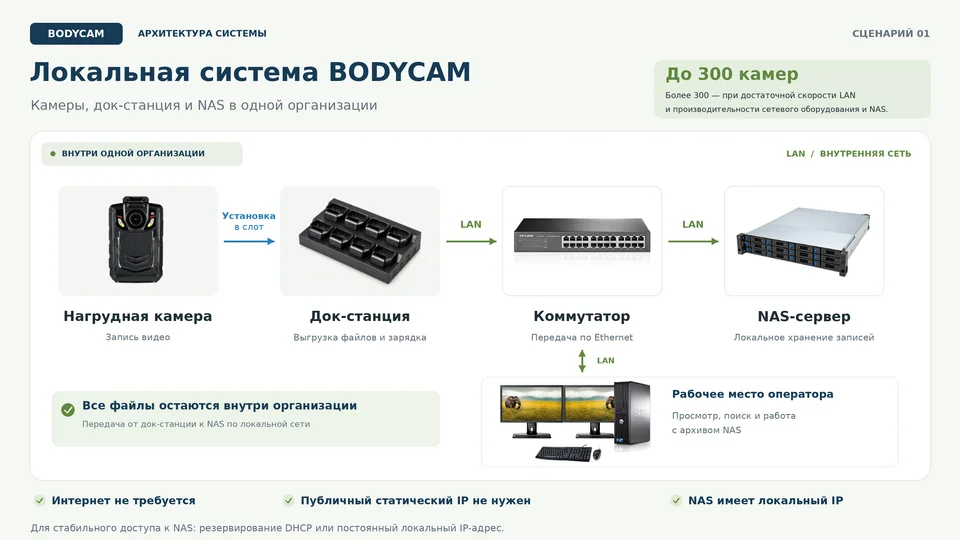
Local BODYCAM system
Within your organizationCameras, docking stations and the NAS server operate on the organization’s local network.
Cameras are placed in the docking station. The docking station sends recordings through a network switch to the NAS server. The operator’s workstation and NAS connect to the same switch through separate LAN links. Internet access and a public static IP are not required.
RECORDING
Body cameras
On-site video recording
Place in a slot→
TRANSFER
Docking station
Charging and file transfer
LAN→
LOCAL NETWORK
Network switch
Connects the devices
Two links from the switch · LAN
LAN→
STORAGE
NAS server
Archive storage and management
↕LAN · two-way communication
WORKING WITH THE ARCHIVE
Operator workstation
View, search and export recordings.
Connected directly to the switch.
The archive stays within your organization.
Recordings are transferred over the local network and stored on your NAS server.
No Internet requiredNo public static IP neededNAS uses a local IP
Up to 300 cameras
More than 300 cameras are possible with sufficient local network speed and adequate network equipment and NAS performance.
For reliable NAS access, reserve a local IP through DHCP or configure a fixed local address.
Regional NAS servers with unified management
Archives from every regionUploading and storage are distributed across regions. View and manage every archive through one account.
In each region, cameras are placed in a docking station. Recordings are sent over a standard Internet connection to that region’s NAS with a public static IP. Each regional NAS exchanges data on request with the central management server over the Internet. Central software unifies viewing and management, while video files remain on regional NAS servers. The chief administrator accesses all regions with one username and password.
Region 01
CamerasDocking stationStandard
Internet
RegionalNAS
This NAS has a public static IP
Region 02
CamerasDocking stationStandard
Internet
RegionalNAS
This NAS has a public static IP
Region N
CamerasDocking stationStandard
Internet
RegionalNAS
This NAS has a public static IP
Internet
Archive access
on request
UNIFIED MANAGEMENT
Central management server
Dedicated software for viewing and managing archives from all regions.
Video files remain on regional NAS servers
One account · all regions
Chief administrator
One username and password for access to all regional archives.
Uploading and storage workloads are distributed.
Each region can have its own username and password to work with its archive when needed.
Recommendedup to 5,000 camerasacross the entire project
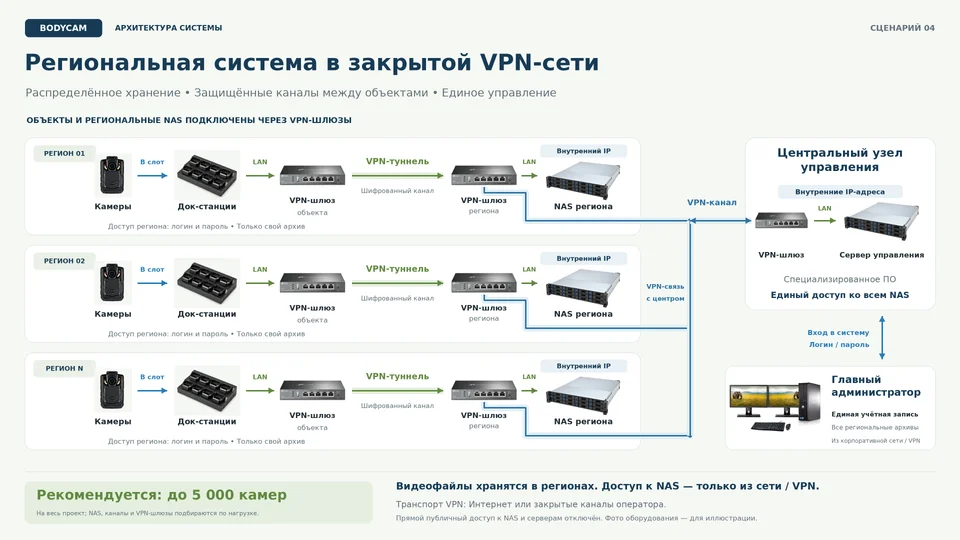
Regional archives on a secure VPN network
Access only within the corporate networkRecordings are stored in the regions. Central software unifies access to and management of all archives over VPN.
In each region, cameras are placed in a docking station. The station connects via LAN to the site’s VPN gateway. An encrypted VPN tunnel connects it to the regional VPN gateway, which connects via LAN to its NAS with an internal IP. A separate VPN link runs from the regional gateway to the central VPN gateway. The central gateway connects via LAN to the management server. Video files remain on regional NAS servers. The chief administrator uses one account to access every region; regional users work only with their own archive. Direct public access to the NAS and management server is disabled.
Region 01
Into a slot→
LAN→
of the site
Encrypted
VPN tunnel⇄
VPN gateway
LAN→
VPN to the center ⇄
A separate link from the regional VPN gateway to the center
Username and password access · Own archive only
Region 02
Into a slot→
LAN→
of the site
Encrypted
VPN tunnel⇄
VPN gateway
LAN→
VPN to the center ⇄
A separate link from the regional VPN gateway to the center
Username and password access · Own archive only
Region N
Into a slot→
LAN→
of the site
Encrypted
VPN tunnel⇄
VPN gateway
LAN→
VPN to the center ⇄
A separate link from the regional VPN gateway to the center
Username and password access · Own archive only
VPN links
From regional
gateways to the center
CONTROL CENTER
Central VPN gateway
LAN↕
Management server
Dedicated software.
Unified access to all regional NAS servers.
Internal IP addresses
Corporate network / VPN
Chief administrator
One username and password for all regional archives.
Video files remain on regional NAS servers.
VPN works over the Internet or private carrier links. Direct public access to the NAS and management server is disabled.
Recommended for up to5,000 camerasacross the entire project
Network equipment, VPN gateways and NAS servers are selected to suit the project’s workload.
ABOUT US
Helping you work more safely.
BODYCAM LLC supplies body cameras and video recording systems in Uzbekistan. We help organizations improve safety and document events during their daily work.
We work with companies of all sizes, selecting equipment for their needs and providing technical support.
Our own technical support team. Our specialists service the devices. We help with setup and questions about using the equipment.
Delivered from our own warehouse. We work without intermediaries. We agree on the configuration and delivery schedule before you order.
COMPANY NEWS
All news OUR CLIENTS
The trust that
brings us together.
Behind every logo is a different challenge. Behind every project is a team that chooses reliability.
Industrial businesses, public services and organizations across Uzbekistan. We help them choose equipment, configure systems and make video recording part of their daily work.
Clients on the map GOOD TO KNOW
Have questions?
We’ll help you understand the details.
Can I try a camera before buying?
Yes, Bodycam.uz offers a free trial of up to 30 days. Ask a manager about available models, trial length and eligibility: +998 88 666 66 88 or message us on Telegram.
What is the difference between Online and Offline versions?
Offline cameras save recordings on the device. Online versions support data transmission over a network. Availability of 4G, Wi-Fi and GPS depends on the model and configuration.
Where are video recordings stored?
Recordings can be stored in the camera’s memory and transferred through a docking station or PC. For centralized storage, Bodycam.uz supplies a ready-to-use server with an operating system and software for storing and managing recordings. Data stays on the client’s server.
Do you offer terms for bulk orders?
Yes, we offer bulk order terms. Contact us to discuss your needs, configuration and cooperation terms, and we’ll prepare a tailored offer.
What warranty comes with the equipment?
Body cameras come with a warranty of 6 to 36 months, depending on the model and version. The exact period is listed in the selected camera’s specifications. Ask a manager about warranty terms for other equipment.
LET’S START WITH YOUR NEEDS
Find the right solution
for your team.
Tell us what you need. Send a request for equipment selection, a trial or a commercial offer.
+998 88 666 66 88 Or message us on Telegram